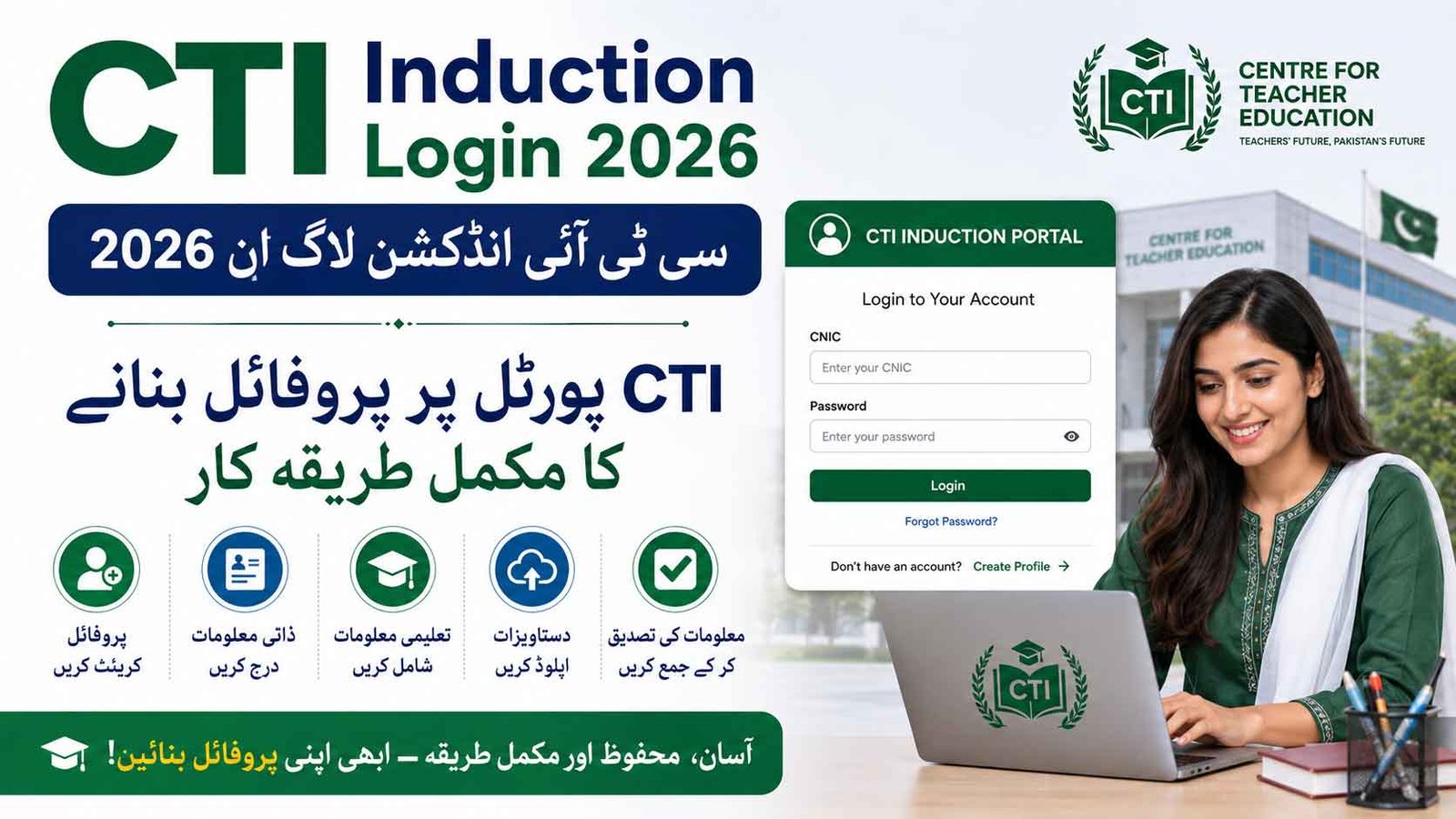
CTI Induction Login 2026 is the online profile and registration process for candidates interested in joining the College Teaching Interns (CTIs) program under the Punjab Higher Education Department (HED). Candidates can use the official CTI portal at cti-hep.punjab.gov.pk to create or update their candidate profile, enter academic information and keep their details ready for the college-level application process.
The Punjab Higher Education Department has previously used online profiling for CTI recruitment. In the 2025 induction cycle, HED specifically instructed candidates to complete profiling before college seat applications, demonstrating the importance of having an updated portal profile before vacancies are displayed.
CTI Induction Login 2026 How to Create Profile at CTI Portal
Important: The HED website currently shows an extension of the 2025–2026 CTI contract period dated July 28, 2026. Therefore, candidates should verify the latest 2026 induction schedule, vacancies, eligibility and deadlines from the official HED notification/CTI portal before submitting any application.
CTI Portal Opens For Profile Completion
The opening of the CTI profile portal is an important first step for candidates who want to participate in the CTI induction process.
Candidates should not wait until the last day to create or update their profile. During recruitment periods, a large number of applicants may access the portal simultaneously, which can result in slow loading, login errors or difficulty submitting information.
The best approach is to complete the profile early and carefully verify every academic detail against the original certificates and transcripts.
CTIs Induction System
| Detail | Information |
|---|---|
| Program | College Teaching Interns (CTI) |
| Department | Higher Education Department, Punjab |
| Profile Portal | cti-hep.punjab.gov.pk |
| Application Method | Online profile + college-level application as notified |
| Institutions | Government colleges in Punjab |
| Eligibility | Relevant qualification as specified in the official CTI advertisement |
| Selection | Merit/selection criteria notified by HED |
| Job Nature | Temporary/Internship |
| Official Department | Higher Education Department, Punjab |
The HED has described CTI hiring as a mechanism intended to address teaching shortages in public colleges. In an earlier official announcement, the department reported the appointment of 4,500 CTIs through an online platform.
CTI Login 2026 – How to Access the Portal
Candidates who already have an account should first try to log in rather than creating a duplicate account.
Step-by-Step CTI Login
- Open the official CTI portal.
- Enter your registered CNIC or other login information requested by the portal.
- Enter your password.
- Complete any verification/OTP step shown on the screen.
- Click Login.
- Open your candidate dashboard.
- Check your personal and educational information.
- Complete any missing profile fields.
- Save the information.
- Submit/complete the profile if the portal provides a final submission option.
Official CTI Portal: cti-hep.punjab.gov.pk
How to Create a CTI Profile 2026
If you are a new candidate and the portal is accepting new registrations, select the registration/profile creation option available on the CTI website.
Step 1 – Enter CNIC and Mobile Number
Enter your CNIC number carefully according to the format requested by the portal.
You should use a mobile number that is active and accessible to you because the system may use it for verification, OTPs or future communication.
Before continuing, check:
- CNIC number is correct.
- Name is entered correctly.
- Mobile number is active.
- You can receive SMS/verification codes.
- Password is saved somewhere secure.
Step 2 – Complete Personal Information
After account creation, complete your personal profile.
Generally, candidates should be prepared to provide information such as:
- Full name
- Father’s/husband’s name where required
- CNIC
- Date of birth
- Gender
- Domicile
- District
- Tehsil
- Contact number
- Email address, if required
- Current/permanent address
Tip: Enter your name and other identity information exactly according to your official documents.
Step 3 – Enter Academic Qualifications
The academic section is one of the most important parts of the CTI profile.
Keep your original documents beside you while entering information.
You may need information relating to:
Matriculation
Enter:
- Board name
- Passing year
- Total marks
- Obtained marks
- Qualification type
Intermediate
Enter:
- Board
- Group
- Passing year
- Total marks
- Obtained marks
Graduation
If applicable, enter your:
- BA/BSc or equivalent qualification
- University
- Passing year
- Total marks
- Obtained marks
BS / Master’s Degree
Enter your terminal qualification carefully.
Depending on the portal and applicable CTI criteria, information may include:
- Degree title
- Major/subject
- University
- Passing year
- Marks or CGPA
- Percentage
- Transcript information
Candidates should not enter a self-calculated percentage unless the portal specifically requires it and the conversion is supported by their official university documentation.
Step 4 – Add Higher Qualifications
If applicable, candidates should enter higher qualifications such as:
- MS
- MPhil
- PhD
However, candidates should only claim a qualification that has been officially completed and can be supported by documentary evidence.
The exact marks awarded for higher qualifications should always be taken from the latest CTI recruitment criteria, rather than relying on an older recruitment cycle.
An earlier HED CTI criteria document shows that higher qualifications and academic achievements have historically formed part of the merit calculation, but the exact formula has changed across recruitment policies.
Step 5 – Select Your Relevant Subject
Candidates should pay particular attention to the subject/discipline section.
For example, if you have a degree in:
- English
- Mathematics
- Physics
- Chemistry
- Computer Science
- Urdu
- Economics
- Islamiyat
select the relevant subject only if your qualification meets the subject requirements specified in the current CTI advertisement.
Do not select a subject simply because it appears similar to your degree. Subject eligibility and equivalence should be checked against the official HED criteria.
Step 6 – Upload Required Documents
If the current portal requires document uploads, prepare clear digital copies before starting the profile.
Commonly required documents may include:
- CNIC
- Domicile
- Matric certificate/result card
- Intermediate certificate/result card
- Graduation degree/transcript
- BS/Master’s degree/transcript
- MS/MPhil/PhD documents, where applicable
- Position certificate, where applicable
- Recent photograph
Important: File size, file format and document-upload requirements can change from one portal version to another. Follow the limits displayed on the CTI portal rather than assuming a fixed 200 KB or 500 KB limit.
CTI Profile Completion Checklist
Before submitting your profile, check each section carefully.
- CNIC information checked
- Name checked against official documents
- Father’s/husband’s name checked
- Mobile number verified
- Domicile information completed
- Matric marks checked
- Intermediate marks checked
- Graduation information checked, if applicable
- BS/Master’s information checked
- Subject/discipline checked
- Higher qualification added, if applicable
- Documents uploaded, if required
- Profile reviewed
- Final submission completed, if applicable
CTI Merit 2026 – How Will Merit Be Calculated?
Candidates should be careful when reading old CTI merit formulas online.
The CTI merit formula should be taken from the current 2026 official advertisement/criteria. Previous HED CTI policies have used different weightages for qualifications, positions and interviews.
For example, an earlier HED criteria document allocated marks to academic qualifications, position holders and interviews, but its weightage structure should not automatically be treated as the 2026 formula.
Therefore, candidates should avoid using an unofficial online calculator until the current 2026 criteria are confirmed.
Why Your Academic Marks Matter
Incorrectly entering academic marks can create problems during document scrutiny.
For example, if your original transcript shows:
Obtained Marks: 820
Total Marks: 1100
but you accidentally enter 920 obtained marks, your online profile will not match your original document.
Always compare:
Portal Entry → Original DMC → Degree/Transcript
before final submission.
CTI 2026 Application Process
The CTI recruitment process generally involves more than simply creating an online account.
A typical process may include:
Profile Registration → Profile Completion → Vacant Seats → College Application → Scrutiny → Merit List → Interview/Selection → Joining
The exact dates and stages for CTI Induction 2026 should be followed according to the official HED notification.
In the previous CTI cycle, HED announced a separate profiling period followed by college application dates and publication of available college seats.
What Happens After CTIs Profile Completion?
Completing your online profile does not necessarily mean that you have automatically applied for every CTI vacancy.
Candidates should carefully read the current instructions to determine:
- When college vacancies will be displayed.
- Which colleges have vacancies in their subject.
- How applications must be submitted.
- Whether a separate college application is required.
- Which documents must be submitted.
- The deadline for each stage.
- When tentative and final merit lists will be displayed.
This distinction is important because profile completion and application against a specific vacant CTI seat may be separate steps.
Documents to Keep Ready For CTIs Interview
Candidates should prepare several copies of their important documents before the application window becomes busy.
| Document | Recommended Preparation |
|---|---|
| CNIC | Original + photocopies |
| Domicile | Original + photocopies |
| Matric Certificate/DMC | Original + copies |
| Intermediate Certificate/DMC | Original + copies |
| BS/Master’s Degree | Original + copies |
| Detailed Transcript | Original + copies |
| MS/MPhil/PhD | If applicable |
| Position Certificate | If applicable |
| Recent Photographs | Keep several copies |
| Online Profile/Application | Print after submission if required |
Do not submit original certificates unless an official instruction specifically requires them for verification.
CTI Portal Login Problems
CNIC Already Registered
If the portal says that your CNIC already exists, do not immediately create another account.
Look for options such as:
Forgot Password / Reset Password / Existing Candidate Login
A previous CTI profile may already exist.
OTP Not Received
If an OTP does not arrive:
- Check your mobile signal.
- Wait before requesting another OTP.
- Confirm the registered mobile number.
- Avoid repeatedly clicking the OTP button.
- Try again later if the portal is experiencing heavy traffic.
Website Not Opening
During peak recruitment periods, thousands of applicants may attempt to access the portal at the same time.
Try:
- Google Chrome or another updated browser.
- Desktop/laptop instead of a mobile device.
- Clearing browser cache.
- Using a stable internet connection.
- Trying again during off-peak hours.
Profile Saved but Not Completed
Saving information is not always the same as submitting the profile.
After entering all information, return to the dashboard and check the profile status. If the portal provides a Complete, Submit, Finalize or Lock Profile option, follow the current instructions carefully.
Do not assume that a profile is submitted simply because the information has been saved.
How to Avoid CTI Application Mistakes
1. Do Not Wait Until the Deadline
Complete the profile as early as possible.
2. Do Not Guess Your Marks
Use your official DMC/transcript.
3. Do Not Select an Unrelated Subject
Your degree must satisfy the current subject eligibility requirements.
4. Do Not Create Duplicate Accounts
If your CNIC is already registered, use the existing account/recovery option where available.
5. Keep Original Documents Ready
Physical verification may require original documents.
6. Check Merit Lists
After applications are processed, candidates should regularly check the relevant college notice board and official HED updates for merit lists and objections.
CTI Interview Preparation
If the current CTI recruitment process includes an interview, candidates should prepare for questions related to their subject and teaching ability.
Important Areas to Prepare
- Basic concepts of your subject
- Intermediate-level syllabus
- Communication skills
- Lesson planning
- Classroom management
- Teaching methodology
- Current subject-related developments
- A short teaching demonstration
For example, a candidate applying for Mathematics should be comfortable explaining basic mathematical concepts clearly rather than simply giving a textbook definition.
Similarly, an English candidate should be prepared for grammar, literature and communication-related questions relevant to the advertised subject.
CTIs Job Nature
CTI positions are temporary teaching assignments rather than regular permanent government appointments.
The historical HED criteria explicitly describe CTI induction as a temporary arrangement intended to address academic staffing requirements.
Candidates should therefore distinguish between:
CTI Internship: Temporary teaching opportunity
and
Regular Lecturer: Permanent/regular government recruitment through the applicable recruitment process.
CTI experience may be professionally useful, but candidates should not assume that CTI service automatically results in permanent government employment.
CTI Induction 2026 – Important Warning About Old Information
Many CTI websites and social media pages publish previous-year criteria as if they are current.
Candidates should be especially careful with:
- Old stipend figures
- Old merit formulas
- Old eligibility percentages
- Old age limits
- Old document requirements
- Previous application dates
- Previous seat numbers
- Old interview marks
The HED has used different CTI criteria in different years. For example, an official older criteria document contains a different academic/position/interview distribution than figures often circulated in unofficial articles.
Therefore, the current CTI Induction 2026 advertisement should always take priority over previous-year information.
CTI Induction 2026 – Quick Guide
If you are applying for CTI 2026, follow this sequence:
- Step 1: Open the official CTI portal.
- Step 2: Create an account or log in to your existing account.
- Step 3: Complete your personal information.
- Step 4: Enter all academic qualifications.
- Step 5: Select the correct subject/discipline.
- Step 6: Upload documents if required.
- Step 7: Review every mark and qualification.
- Step 8: Complete/finalize your profile according to the portal instructions.
- Step 9: Monitor the official HED/CTI announcements for vacant seats.
- Step 10: Apply for eligible college vacancies within the announced deadline.
- Step 11: Check tentative merit lists and submit objections if required.
- Step 12: Attend the interview/verification process if shortlisted.
Frequently Asked Questions
What is CTI Induction 2026?
CTI Induction 2026 is the recruitment process for College Teaching Interns in Punjab’s government colleges under the Higher Education Department.
Where can I complete my CTI profile?
Candidates should use the official CTI candidate portal:
CTI Candidate Portal – cti-hep.punjab.gov.pk
Can I use my old CTI account?
If the portal recognizes your previous registration, use the existing account/login or password-recovery option rather than creating a duplicate account.
Is profile completion the same as applying for a college?
Not necessarily. In previous CTI recruitment, HED separated candidate profiling from subsequent college-seat applications. Candidates should follow the specific 2026 instructions displayed on the portal and official notification.
What qualification is required for CTI?
The exact qualification depends on the current CTI advertisement and subject vacancy. Candidates should verify the latest official eligibility criteria before applying.
Can I enter an estimated CGPA percentage?
No. Enter the information supported by your official transcript and the conversion method accepted by the current portal/criteria.
What if I make a mistake in my profile?
If editing is available, correct the information before final submission. If the profile has already been locked, follow the portal’s correction procedure or official HED instructions.
Is CTI a permanent government job?
No. CTI is a temporary internship/teaching arrangement. Historical HED policy describes CTI induction as a temporary arrangement rather than a permanent appointment mechanism.
CTI Login Portal 2026
The CTI Induction Login 2026 profile is an important first step for candidates planning to compete for College Teaching Intern positions in Punjab. Applicants should complete their profile carefully, use information exactly as shown on their official educational documents and keep all original certificates ready for verification.
Most importantly, do not rely on old CTI articles for the 2026 merit formula, stipend, eligibility or deadlines. The Higher Education Department has used different criteria in previous recruitment cycles, so the latest official notification should be treated as the final authority.
Official CTI & HED Links
CTI Candidate Portal:
cti-hep.punjab.gov.pk
Punjab Higher Education Department:
Higher Education Department Punjab – hed.punjab.gov.pk
1 thought on “CTI Induction Login 2026 How to Create Profile at CTI Portal”