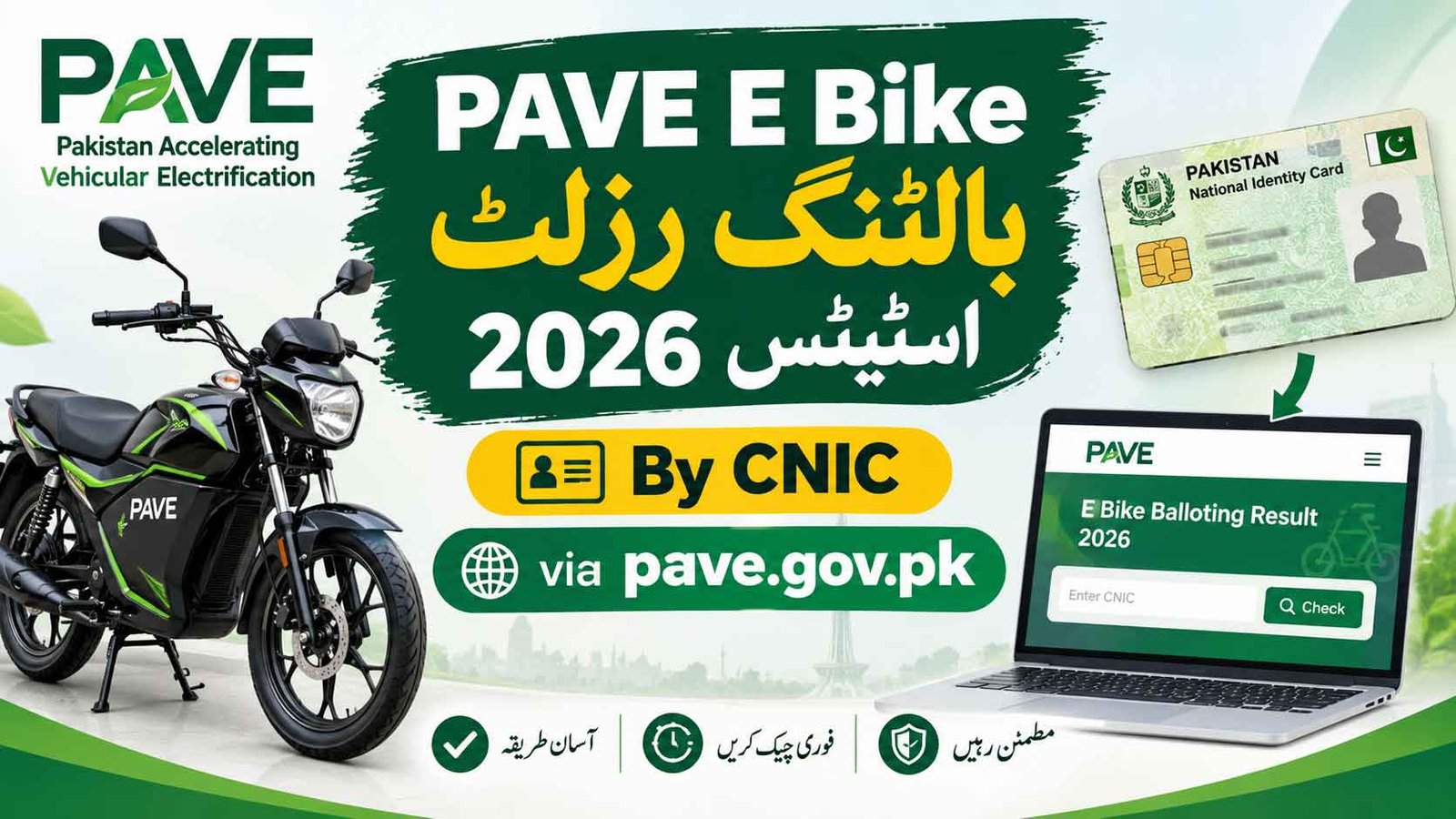
PAVE E Bike Balloting Result 2026 Check Status By CNIC Online via pave.gov.pk. Through the Pakistan Accelerated Vehicle Electrification (PAVE) Program, eligible applicants can receive a subsidy to purchase an electric motorcycle or three-wheeler. PAVE E-Bike Balloting Result 2026 is out. “Waiting” candidates are now being upgraded to “Selected / Successful” on pave.gov.pk. Check your PAVE Status by CNIC on the official portal https://pave.gov.pk/balloting-result and complete verification before the deadline. Helpline: 1048.
In the PAVE e-balloting, 269,161 applications were received, with 40,000 electric two-wheelers and 1,000 electric three-wheelers allocated. Vacant slots from disqualified applicants were reassigned to waiting-list candidates, causing some application statuses to change from “Waiting” to “Selected / Successful.”
PAVE Scheme Ballot Result List 2026
Status Check PAVE E Bike Scheme 2026
If your status has changed from Waiting to Selected or Successful, check your dashboard for instructions about document verification, bank processing, and the next steps.
pave.gov.pk Status Check By CNIC
Applicants on the waiting list may become eligible if previously selected candidates fail to complete the required verification, miss payment deadlines, or do not meet the financing requirements. Any available slots may then be offered to eligible waiting-list applicants according to the scheme’s rules.
However, applicants should confirm their latest result directly on the official PAVE portal. A change in status should not be treated as final approval until the portal confirms the required steps.
How to Check PAVE E-Bike Balloting Result 2026 By CNIC
Follow these steps to check your PAVE application status online:
- Visit the official website: https://pave.gov.pk/
- Open the applicant login section.
- Enter your registered CNIC and password.
- Log in to your application dashboard.
- Open the Application Status or relevant application details section.
- Review your latest balloting result and any instructions displayed.
- Follow the official verification and financing instructions if you have been selected.
Enter your CNIC only on the official website. If the portal provides a separate status-check facility, use that facility according to its instructions.
Check Online PAVE Balloting Result By CNIC
PAVE E-Bike Application Status Meaning
Applicants may see different status messages on their dashboards. The exact meaning depends on the wording and instructions provided by the official portal.
| Application Status | Meaning |
|---|---|
| Pending | Your application is awaiting processing or a further update. |
| Waiting | You may be on a waiting list, subject to the scheme’s official rules. |
| Selected / Successful | You have been selected at the relevant stage. Check the dashboard for further requirements. |
| Approved | Your application has reached an approval stage, subject to any remaining conditions. |
| Rejected | Your application has not been accepted. Review the reason provided by the portal, if available. |
Important: Selection does not necessarily mean that the vehicle is ready for delivery. Applicants may still need to complete document verification, bank approval, payment, or other required formalities.
What to Do If Your PAVE Status Changes From Waiting to Selected
If your PAVE application status changes from Waiting to Selected or Successful, take the following steps.
1. Log In to Your Application Dashboard
Visit pave.gov.pk and review your application details. Check whether the portal displays a verification deadline, bank information, payment instructions, or a vehicle-selection option.
2. Prepare Your Documents
Keep your original documents and any requested copies ready. These may include:
- Valid CNIC.
- Driving licence or learner’s permit, if required.
- Application or registration details.
- Income, enrolment, or other supporting documents, where applicable.
- Recent photographs, if requested.
The exact document list depends on the applicant category and the instructions issued by the scheme.
3. Select an Approved Electric Vehicle
Review the eligible electric motorcycle or three-wheeler models listed in the official catalogue. Confirm the vehicle price, subsidy amount, availability, and any additional charges before making a commitment.
4. Complete Bank Verification
If your application requires financing, follow the instructions for the assigned bank or authorized financing institution. Complete biometric verification and submit any required documents or payments through the approved process.
5. Follow the Delivery Instructions
After completing the required formalities, check your dashboard or official communications for the next steps. Vehicle delivery depends on the completion of the applicable approval and payment process.
Deadline reminder: Complete all required steps within the deadline displayed on your official application dashboard. Failure to meet the deadline may affect your allocation under the scheme’s rules.
PAVE Login Portal
What If Your PAVE Application Is Still Pending or Waiting?
If your result still shows Pending or Waiting, do not assume that your application has been rejected. Review your dashboard for a new update and check whether any action is required from your side.
You should:
- Confirm that your application details are correct.
- Check the official portal regularly for status changes.
- Read any notifications about document verification or payment deadlines.
- Contact the official support channel if your application appears incorrect or remains unchanged beyond the announced processing period.
A waiting-list applicant may receive an opportunity if a place becomes available, but promotion is not guaranteed.
pave.gov.pk Login
Applicants should protect their personal information while checking the PAVE balloting result.
- Use the official website, https://pave.gov.pk/.
- Never pay an agent who promises guaranteed selection.
- Do not share your password, OTP, or sensitive banking information with unauthorized individuals.
- Do not trust unofficial messages claiming that you have been selected without checking your dashboard.
- Make payments only through the officially authorized process.
- Confirm any helpline number through the official website before calling.
These precautions can help protect applicants from fraudulent websites, fake result messages, and unauthorized payment requests.
Frequently Asked Questions (FAQs)
How can I check the PAVE E-Bike Balloting Result 2026 by CNIC?
Visit pave.gov.pk, log in using your registered CNIC and password, and open your application dashboard. Review the latest status and any instructions shown for your application.
What does Selected or Successful mean in the PAVE scheme?
It generally indicates selection at the relevant stage. You should check your dashboard to determine whether further document verification, bank approval, payment, or other formalities remain.
Why has my PAVE status changed from Waiting to Selected?
Your status may change if a place becomes available and you are selected according to the scheme’s rules. Confirm the reason and any required action through your official dashboard.
What should I do if my PAVE result is still Pending?
Check your application details and dashboard notifications. Wait for the official update and follow any instructions provided. Pending status alone does not necessarily mean rejection.
Is the PAVE electric bike subsidy paid directly to the applicant?
Not necessarily. The subsidy may be adjusted against the vehicle price or processed through the authorized manufacturer or financing arrangement, according to the applicable scheme rules.
Can I receive a PAVE subsidy without bank financing?
The available options depend on the scheme’s rules and whether the applicant chooses a bank-financed or self-financed purchase. Check the official portal for the conditions applicable to your category.
Can I change my electric bike model after selection?
A model change may depend on the scheme’s rules, vehicle availability, and the stage of your application. Contact the authorized dealer or support channel before finalizing the order.
What is the official website for the PAVE Balloting Result 2026?
The official website is https://pave.gov.pk/. Use it to access your application details and check the latest status.