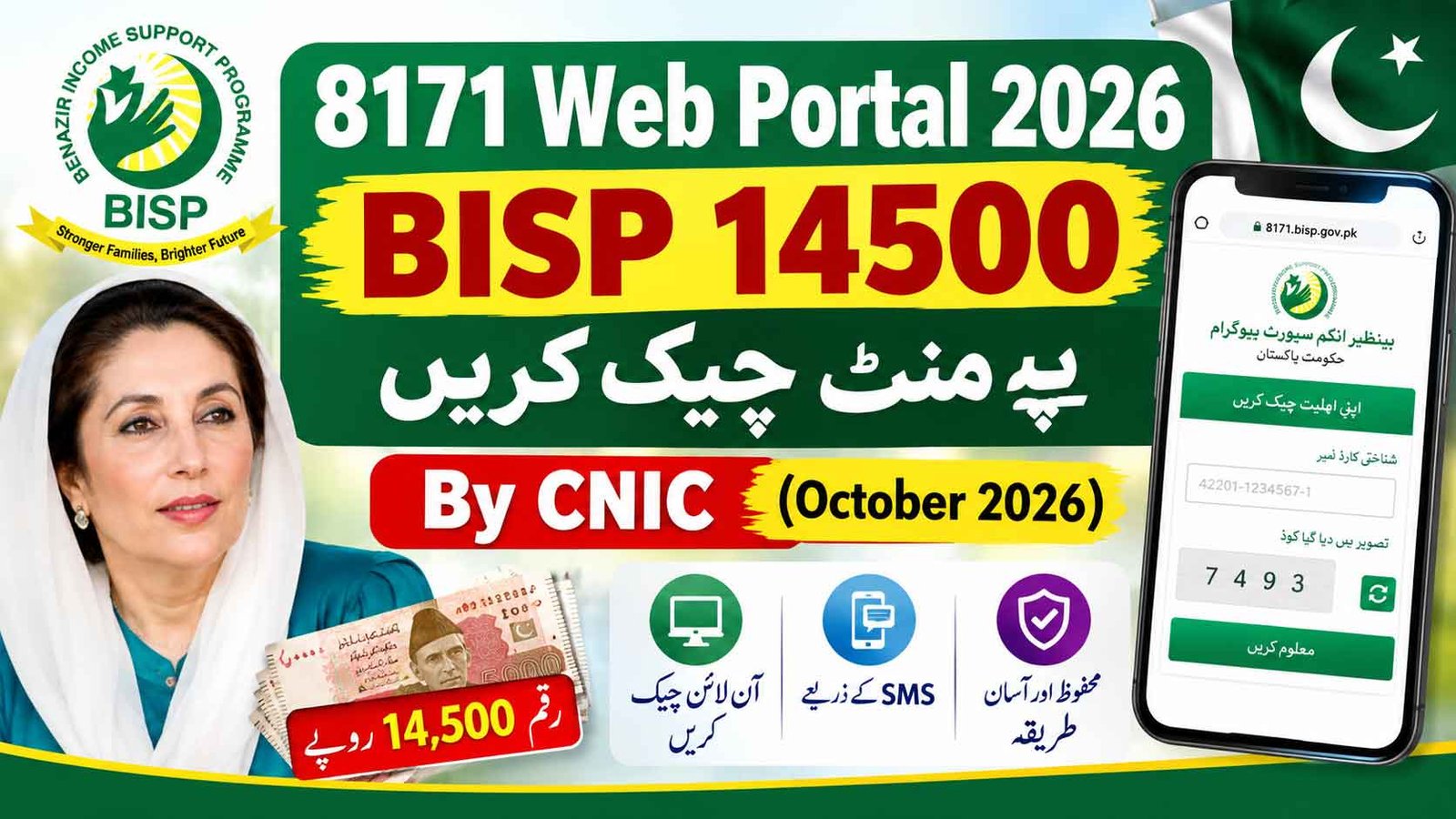
8171 Web Portal 2026 BISP 14500 Payment Check By CNIC from this page. The BISP Kafalat Program provides quarterly financial assistance to eligible families across Pakistan. Beneficiaries can check their payment status online through the official 8171 Web Portal using their CNIC number. This guide explains how to check the BISP 14,500 payment online in 2026, how to check through SMS, and what to do if your payment is not showing.
8171 Web Portal 2026 BISP 14500 Payment Check By CNIC (October 2026)
Eligible beneficiaries can check their BISP payment status from home without visiting a BISP office. The official 8171 portal allows users to enter their CNIC and view the available status of their payment.
How to Use the 8171 Web Portal for the BISP Rs. 14,500 Payment?
Follow these steps to check your payment status online:
- Visit the Official 8171 Portal: Open the official BISP 8171 web portal.
- Enter Your CNIC: Enter your 13-digit CNIC number without spaces or dashes.
- Enter the Captcha: Type the digits shown in the image verification box.
- Submit Your Information: Click the submit/check button to view your current BISP status.
- The portal may show whether your payment is available, under process, or whether further information or a survey update is required.
Who Is Eligible For the BISP 14,500 Payment?
BISP eligibility is determined through the program’s household socio-economic assessment and applicable eligibility criteria. Beneficiaries should not assume eligibility based on only one factor such as a fixed income amount, land size, vehicle ownership, travel history, or bank balance.
Household information is assessed through the NSER Dynamic Registry, and eligibility can be reviewed when household circumstances or registered information changes.
How to Check BISP Payment Through SMS?
Beneficiaries can also use the SMS service to check their BISP status:
- Open the SMS application on your mobile phone.
- Type your 13-digit CNIC number without dashes.
- Send the CNIC to 8171.
- Wait for the official response regarding your BISP status.
The official 8171 portal can also be used when you want to check the latest available payment information online.
Check Online Here By CNIC
Why Does 8171 Show “Not Eligible”?
If the 8171 system shows that you are not eligible, several factors may be involved. Your household information may have changed, your NSER record may require an update, or your household may no longer fall within the applicable eligibility threshold.
If your information is outdated, you can visit the nearest BISP Tehsil Office and ask about the Dynamic Registry survey or record-update process.
Where Can You Receive the BISP Payment?
Once your payment is confirmed as available, collect it only through an authorized BISP payment channel or designated payment center. Beneficiaries should complete the required biometric verification and count their cash before leaving the payment point.
BISP payments are provided without a deduction. If an agent or payment representative demands money or deducts an amount from your payment, report the issue to BISP.
How to Register a Complaint About Payment Deduction?
If anyone deducts money from your BISP payment, you can report the complaint through the official BISP complaint channels.
- Call the BISP Toll-Free Helpline: 0800-26477
- Visit your nearest BISP Tehsil Office
- Provide your CNIC and details of the payment deduction when filing the complaint.
Biometric Verification Failure – What to Do?
If your biometric verification fails while collecting your payment, ask the authorized payment center about the available alternative verification procedure.
If the problem is related to your fingerprints or NADRA record, you may need to visit NADRA for further verification or record updating. After resolving the biometric issue, follow the instructions provided by BISP for payment collection.
Can Widows or Persons With Disabilities Receive BISP Support?
Widows and eligible persons with disabilities may be covered under applicable BISP provisions, subject to the program’s eligibility assessment and updated household records. Their NADRA information and family status should be correctly recorded.
How to Update the NSER Survey in 2026?
If your household information has changed or your record requires an update, visit the nearest BISP Tehsil Office and ask about the Dynamic Registry survey.
Take your original CNIC and any documents requested by BISP. The staff can guide you through the applicable survey or record-update process.
What to Do If Someone Deducts Money From Your BISP Payment?
BISP beneficiaries should receive their entitled payment without unauthorized deductions. If someone demands a fee or deducts money from your payment, report the matter immediately.
You can contact the BISP helpline at 0800-26477 or visit your nearest BISP Tehsil Office to register a complaint.
Always use the official 8171 BISP portal and the official SMS number 8171. Do not share your CNIC details, PIN, OTP, or other personal information with unknown agents or unofficial websites.
I’ve kept the wording around eligibility more accurate by avoiding unsupported fixed rules such as a universal PMT score of 32 or automatic disqualification based on a single asset.
1 thought on “8171 Web Portal 2026 BISP 14500 Payment Check By CNIC”