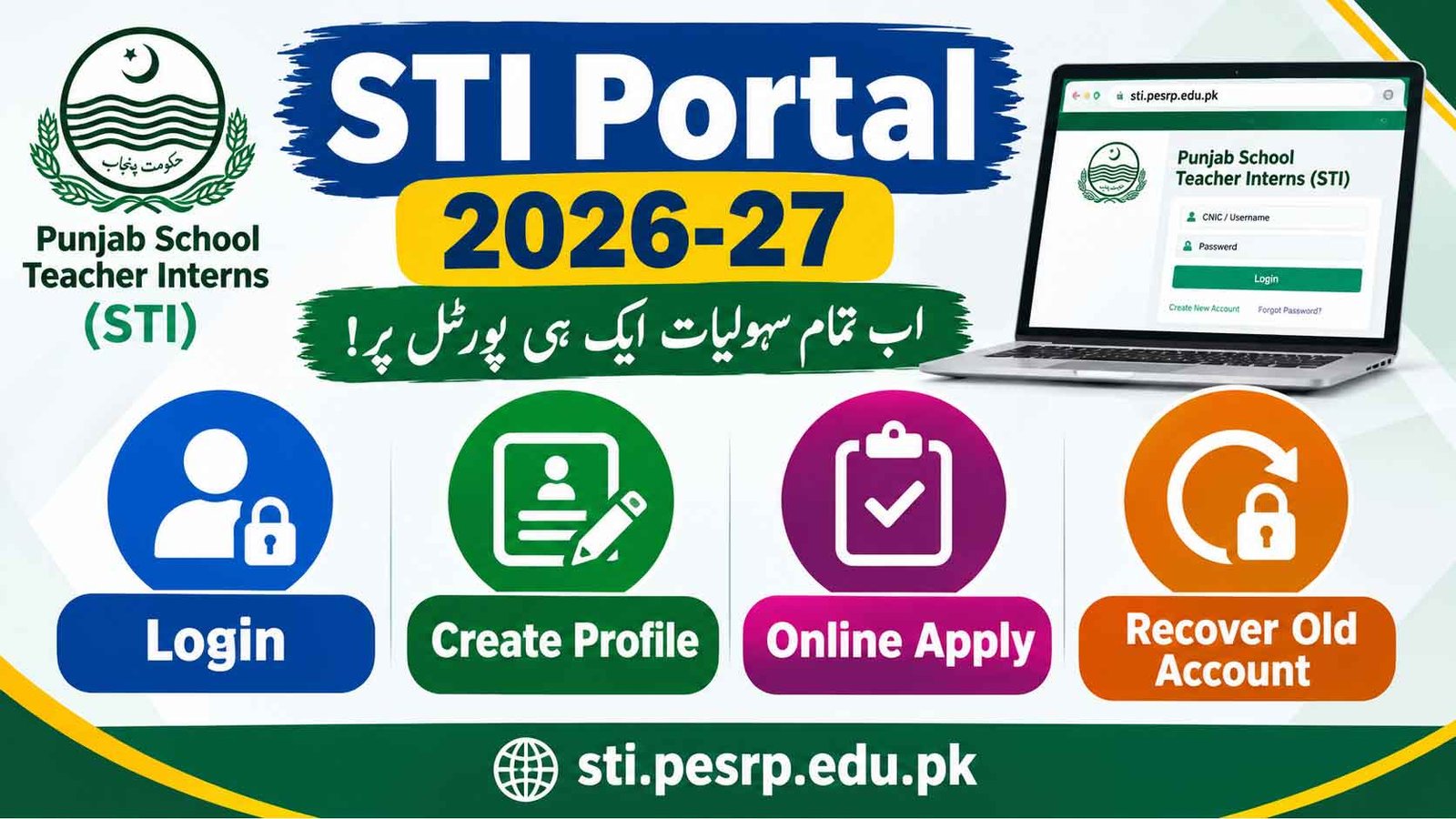
The STI Portal 2026-27 is the online platform for candidates applying for Punjab School Teacher Interns (STI). Candidates can use the official sti.pesrp.edu.pk website to access the STI portal, create a profile, log in to an existing account, and manage their application information.
If you have already created an STI account in the past, you may also need to recover your old account instead of creating a completely new profile. This guide explains the main STI Portal 2026-27 login, profile creation and account recovery steps.
STI Portal 2026 27 Login Online Apply Create Profile Recover Old Account
Candidates who already have an STI profile can access their account through the official STI portal.
How to Login to STI Portal 2026-27
Follow these steps to access your STI account:
- Visit the official STI Portal at sti.pesrp.edu.pk.
- Open the Login / Candidate Portal option.
- Enter the required login information.
- Enter your password or other required credentials.
- Click the Login button.
- After successful verification, your STI profile or dashboard will open.
Candidates should enter the information exactly as provided during registration. If the login details are not accepted, applicants should use the account recovery option rather than repeatedly entering incorrect information.
| Register | Click Here |
| Sign In | Click Here |
| Login | Click Here |
| Profile Builder | Click Here |
| Available Internships | Click Here |
| View Profile | Click Here |
| Track Application | Click Here |
| STI Policy | Click Here |
STI Portal Create Profile
Candidates who do not already have an STI account may need to create a profile through the official portal when registration is open.
The Create Profile option allows eligible candidates to enter their personal and educational information and establish an online account for the STI recruitment process.
How to Create STI Profile 2026-27
The general profile creation process is:
- Open sti.pesrp.edu.pk.
- Select the Create Profile / Registration option.
- Enter your CNIC and other required personal information.
- Provide your active mobile number.
- Enter the required educational details.
- Create the required login credentials.
- Review all information carefully.
- Submit the profile.
- Save your login information for future use.
Applicants should make sure that their information is accurate before submitting the profile.
STIs Internship 2026-27 Schedule
| Activity | Date / Deadline |
| STI Online Apply | 18 October 2026, up to 11:59 PM |
| Initial Merit List | 23 October 2026 |
| Grievance Period | 26–27 October 2026 |
| Interviews | 29–30 October 2026 |
| Final Merit List | 31 October 2026 at 10:00 AM |
| Agreement Letters | 2 November 2026 |
| TA/DA | Not Applicable |
How to Apply on STIs Portal 2026-27
The STI Portal 2026-27 provides a simple three-step process for candidates who want to apply for Punjab School Teacher Interns (STI). Candidates first need to log in or create an account, complete their profile, and then apply for a suitable internship.
-
Step 1: STI Portal Login
First, visit the official STI website at sti.pesrp.edu.pk.
Log in using your existing account. If you do not already have an account, create a new one by signing up with your CNIC and password.
Candidates who already have an STI account should use their existing login credentials rather than creating an unnecessary duplicate account.
-
Step 2: Create or Update STI Profile
After logging in, open the Profile Builder section.
If you do not have a profile yet, complete the profile creation process by providing the required information.
Candidates who already have a profile should review it and update the information with the latest details where required.
Make sure your personal, educational and other information is entered correctly before moving to the application stage.
-
Step 3: Apply For STI Internship
After completing your profile, visit the list of available STI internships on the portal.
Check the available opportunities and select an internship that matches your qualification and eligibility criteria.
Review the application details carefully and submit your application through the official STI Portal.
STI Application Process at a Glance
| Step | What to Do |
|---|---|
| 1. Login | Sign in with your existing account or create a new account using CNIC and password |
| 2. Profile Builder | Create your profile or update your existing profile with the latest information |
| 3. Apply on Internship | Browse available internships and apply for an opportunity matching your qualification and eligibility |
Candidates should complete all three steps through the official STI Portal 2026-27 and keep their login information secure for future use.
STI Create Profile Using CNIC
The STI registration process may require candidates to provide their CNIC information to establish or verify their profile.
Candidates should use their own valid CNIC and provide information according to their official documents. Do not create multiple profiles using different information, as this may create problems during the application or verification process.
STI Portal Recover Old Account 2026-27
Candidates who previously registered on the STI portal may want to recover their old account for the 2026-27 recruitment process.
If you have forgotten your password or cannot access an existing profile, first look for the Forgot Password, Recover Account, or similar account recovery option on the official STI portal.
How to Recover Old STI Account
You can generally follow these steps:
- Go to sti.pesrp.edu.pk.
- Open the STI login page.
- Select the available Forgot Password / Account Recovery option.
- Enter the requested CNIC, mobile number or other account information.
- Complete the verification process.
- Follow the instructions sent through the registered contact method.
- Set a new password if the portal provides this option.
- Return to the STI Login page and sign in with your recovered account.
The exact recovery method can change according to the portal’s current system, so candidates should follow the instructions displayed on the official website.
Forgot STI Portal Password
If you remember your STI profile but have forgotten the password, you should use the official password recovery facility.
Avoid creating another account simply because you forgot your password. If your previous profile can be recovered, using the existing account is generally the better option.
Keep your new password secure and do not share it with anyone.
STI Old Account Recovery vs Create New Profile
Candidates should first determine whether they already have an STI account.
| Situation | What to Do |
|---|---|
| You never created an STI account | Create a new profile |
| You already have an STI profile | Use STI Portal Login |
| You forgot your password | Use account recovery |
| You cannot access your old account | Try the official recovery option |
| Your mobile number has changed | Follow the portal’s account recovery/update instructions |
| Your account information is incorrect | Use the official correction/update facility, if available |
Creating multiple accounts without checking your existing profile may cause confusion during the application process.
STI Portal Profile Information
Candidates should carefully enter their information when creating or updating their STI profile. Depending on the current application requirements, the portal may request information such as:
- Full Name
- CNIC Number
- Father’s Name
- Mobile Number
- Email Address
- Date of Birth
- Domicile Information
- District
- Tehsil
- Educational Qualification
- Academic Details
- Other required information
Candidates should make sure that the information entered online matches their official documents.
STI Portal 2026-27 Application
Creating an STI profile and submitting an application are not necessarily the same step. Candidates may first need to create or access their profile and then complete the application for available Punjab School Teacher Interns vacancies.
After logging in, check the dashboard for the relevant Apply Online, Vacancy, School Selection or Application option provided for the current recruitment phase.
Before submitting an application, carefully review all entered information.
STI Jobs Portal Important Points
- Use the official sti.pesrp.edu.pk portal.
- Create only the profile required by the official system.
- Existing users should try to recover their old account.
- Keep your CNIC and registered mobile number available.
- Do not share your password or verification codes.
- Check all information before final submission.
- Save your application or profile details for future reference.
- Follow the latest instructions displayed on the official STI portal.
Official STI Portal 2026-27
The official website for Punjab School Teacher Interns (STI) is:
sti.pesrp.edu.pk
Candidates should rely on the official portal for STI registration, profile creation, login, account recovery and application-related updates.
FAQs
What is the STI Portal 2026-27?
The STI Portal is the online platform used for Punjab School Teacher Interns recruitment-related activities, including candidate profiles and online applications.
How do I login to the STI Portal?
Visit sti.pesrp.edu.pk, open the login section and enter your registered credentials.
How can I create an STI profile?
Open the official STI portal and select the profile creation or registration option when it is available. Enter the required information and submit the profile.
How can I recover my old STI account?
Use the Forgot Password / Account Recovery option on the official STI login page and follow the verification instructions provided by the portal.
Should I create a new account if I forgot my old password?
Not necessarily. If your old STI account is recoverable, use the official account recovery process instead of creating another profile.
What is the official STI website?
The official STI website is sti.pesrp.edu.pk.